
Screen Memory and Search
Overview
Use keywords to find web text, document snippets, or a sentence whose source you have forgotten.
Search and Review
Matching text is highlighted, and results show the app and time it appeared.
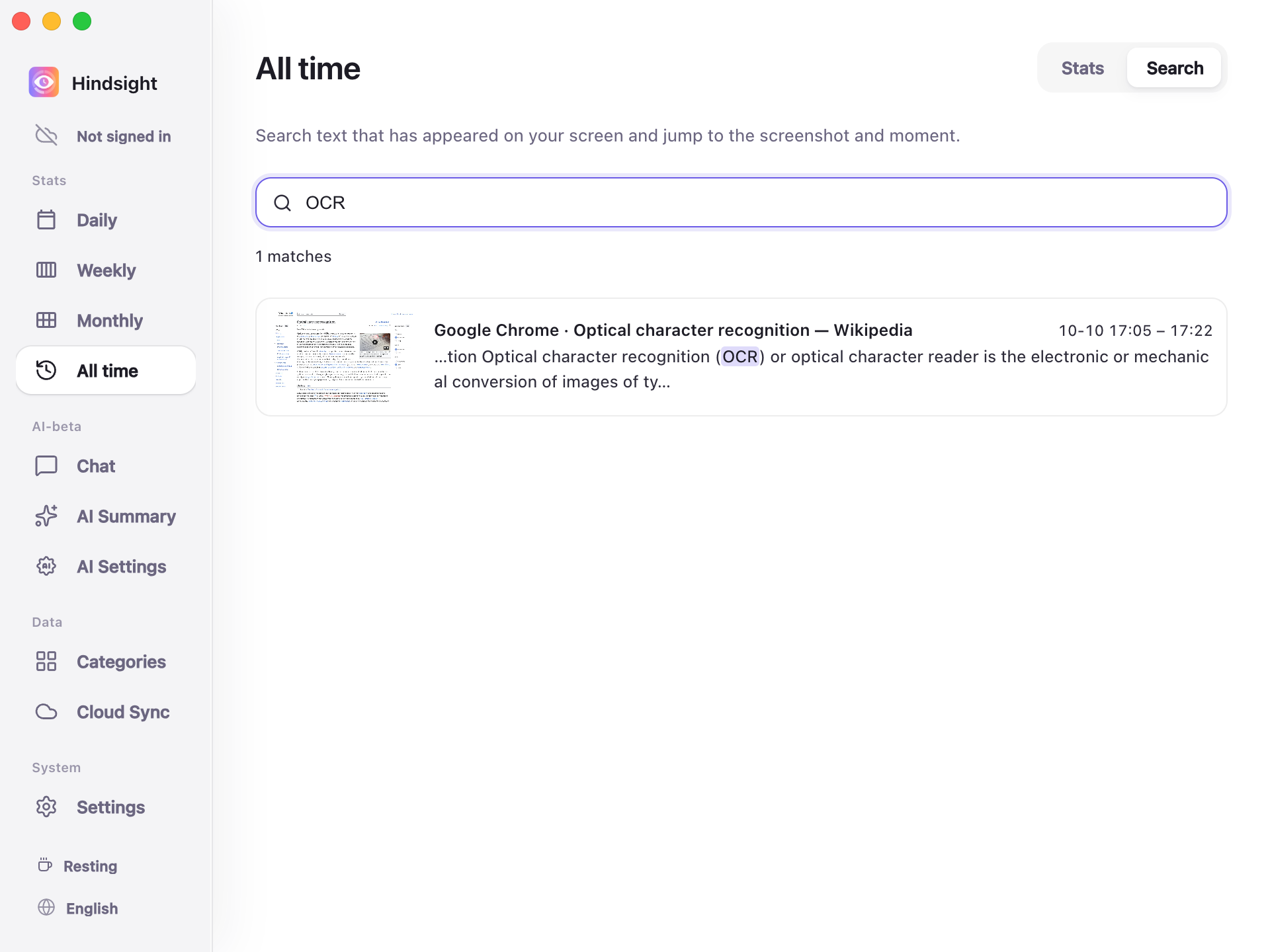
All time → Search
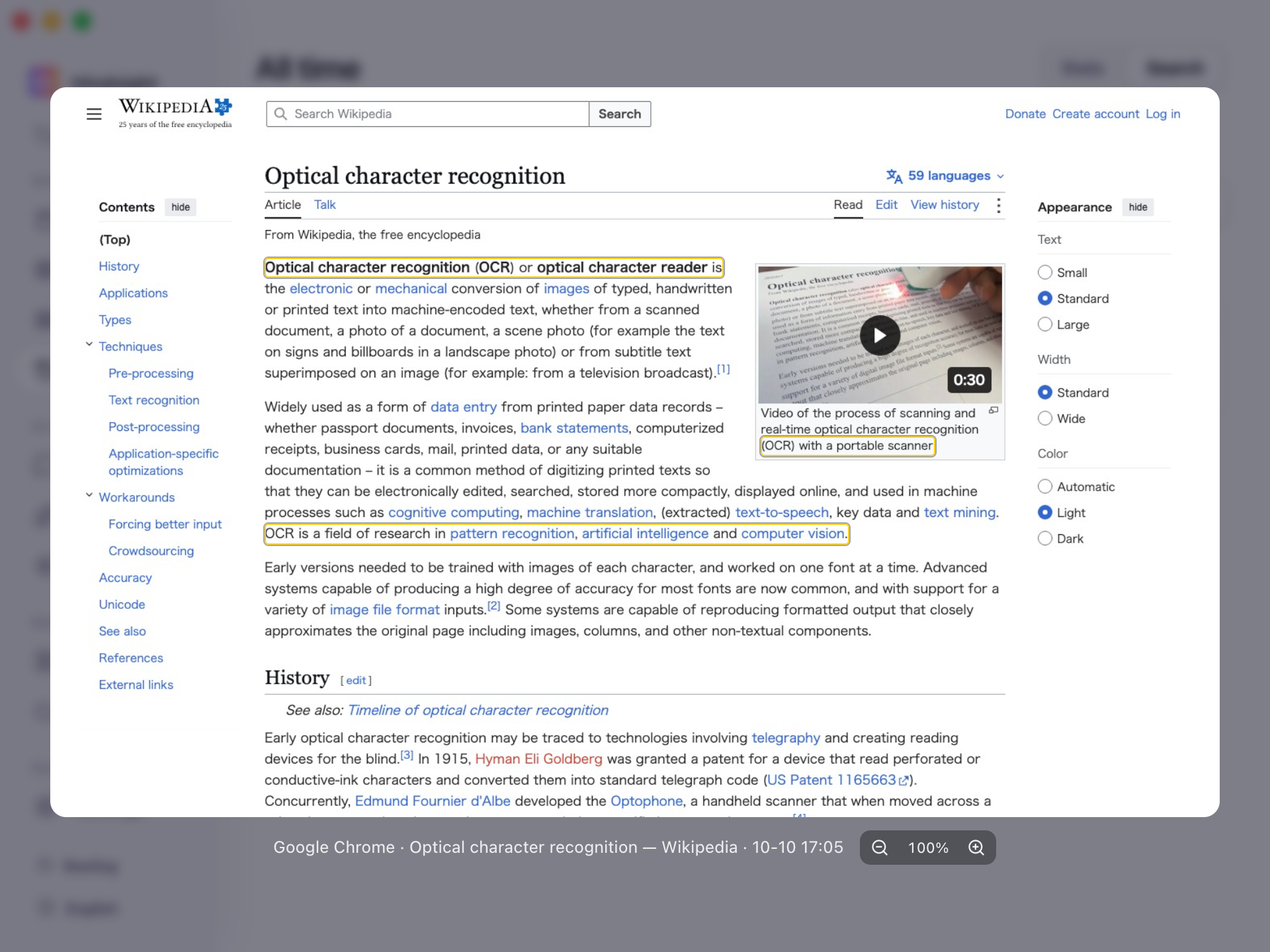
Search results (Screenshot preview)
Boxes mark matching text in the screenshot. Zoom and pan to view details.
Defaults
| Setting | Default | Description |
|---|---|---|
| Enable screenshots | Off | Required for screen memory; enable it in Settings |
| Keep OCR resident | Off | When enabled, continuously recognizes text in new screenshots in the background |
| Screenshot retention | 7 days | Older screenshots are cleaned up, but recognized text remains searchable |