Interface and Appearance
Overview
Change the interface language and theme, choose whether Hindsight launches on system startup, and decide whether it keeps running in the background when you close the window.
Interface Language
Supports 简体中文, 繁體中文, English, 日本語, Português, and Español. Change the language in “Settings → General”, or cycle through languages with the button at the bottom of the sidebar. Changes take effect immediately.
Changing the interface language also changes the prompt language used for AI summaries.
Themes
Hindsight offers three themes: Default, Minimal, and Dark.
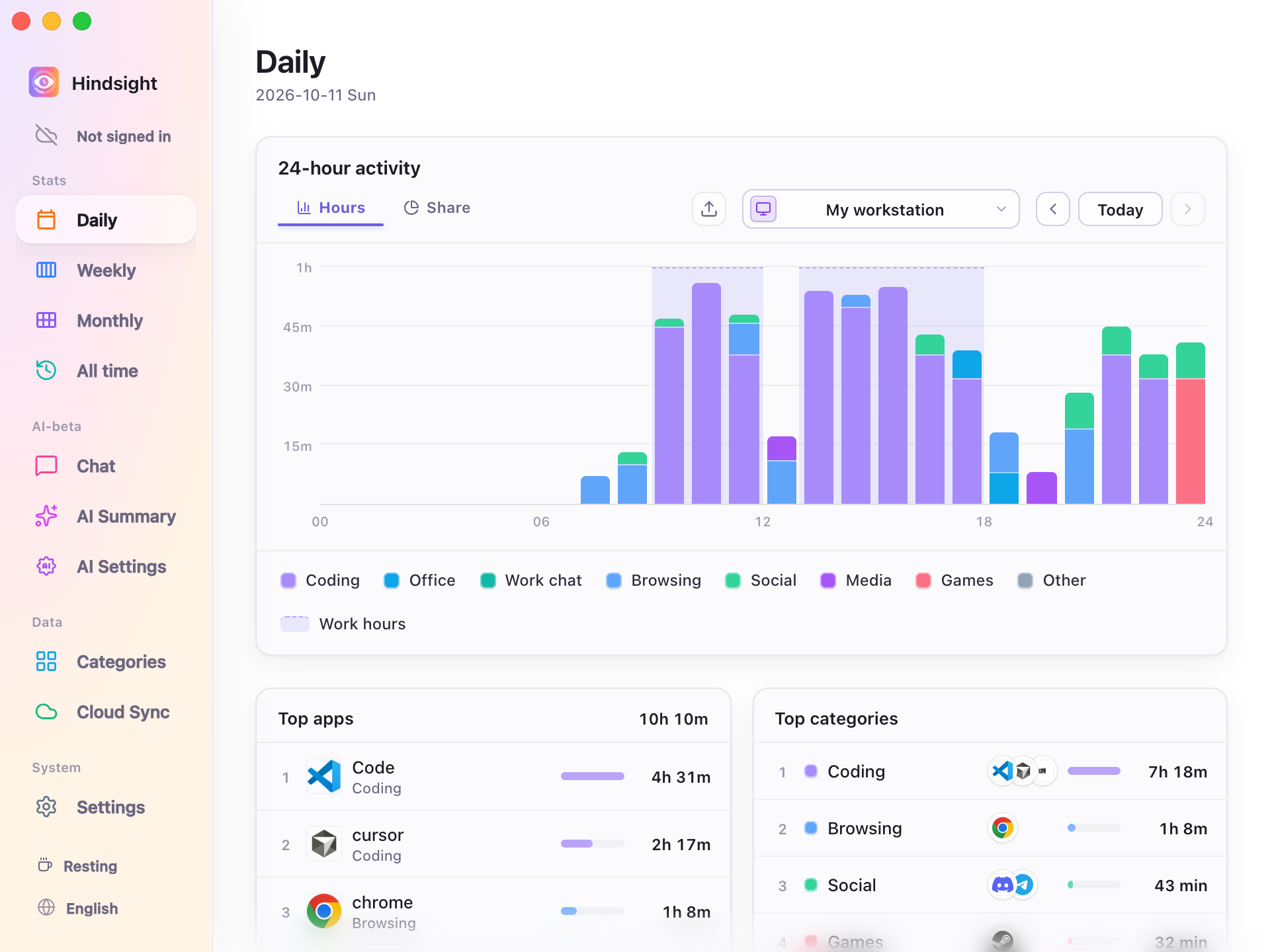 Default |
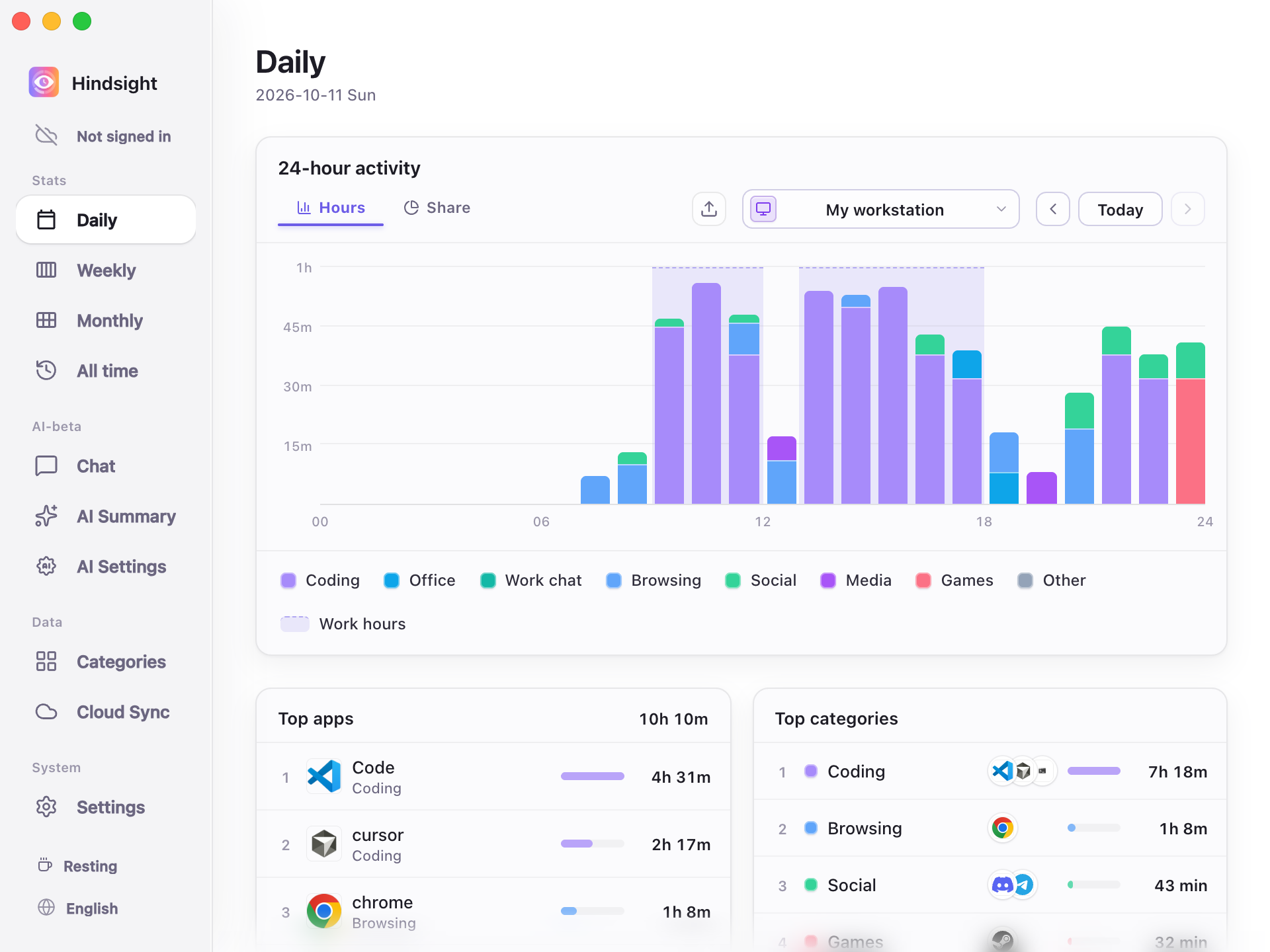 Minimal |
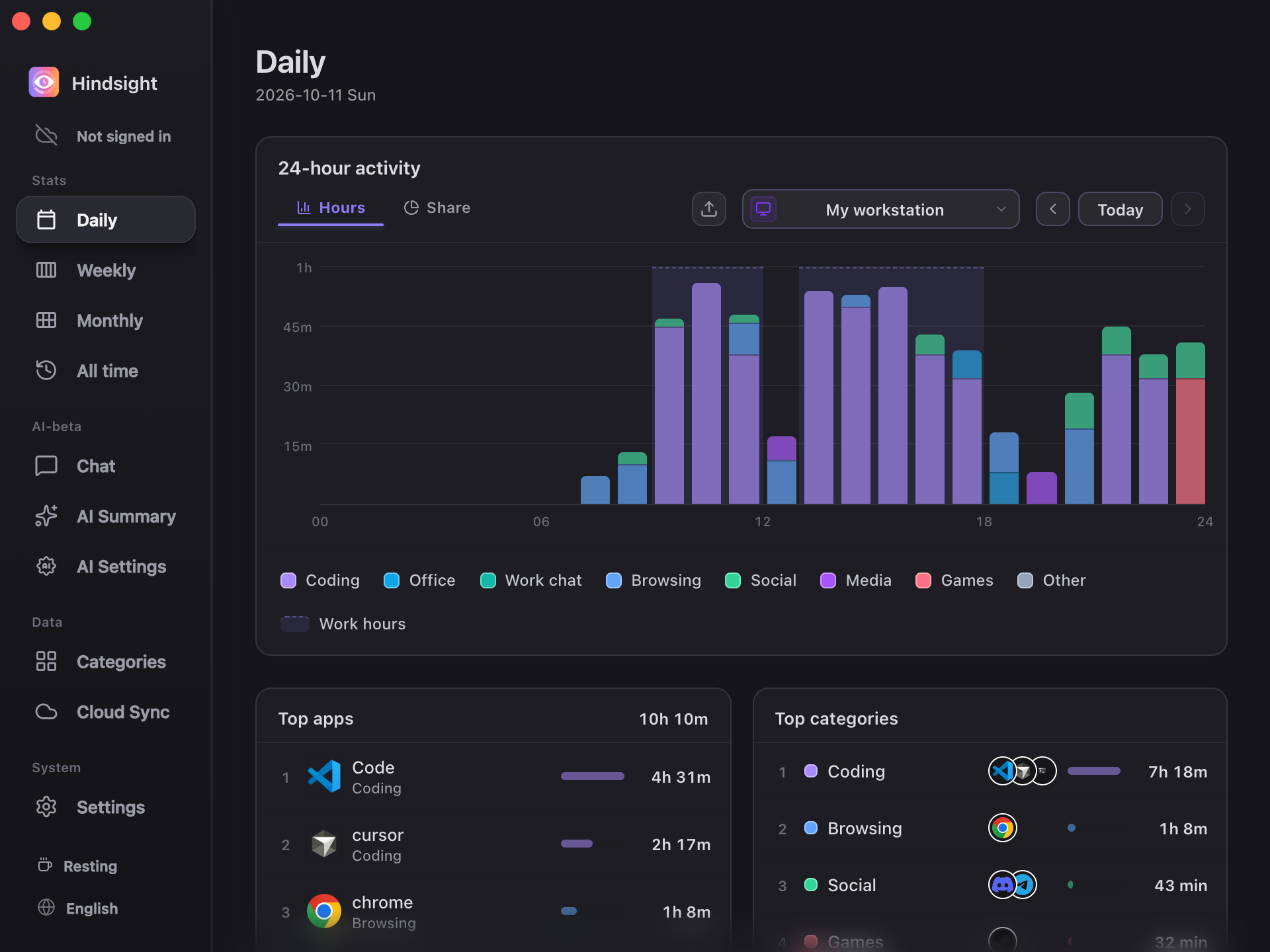 Dark |
Startup and Closing
- Launch on system startup: Runs Hindsight automatically after you log in and starts recording.
- Silent startup: When enabled, Hindsight runs in the background on system startup without showing the main window.
- Minimize to tray on close: When enabled, the close button hides the window while Hindsight keeps recording in the background. Use the tray icon to reopen or quit it.
Defaults
| Setting | Default | Description |
|---|---|---|
| Interface language | Follows the system | Uses Chinese, Japanese, Portuguese, or Spanish for the corresponding system language; English for other system languages |
| Theme | Minimal | - |
| Launch on system startup | Off | - |
| Closing the window | Minimizes to tray | Keeps recording in the background |
| Check for updates automatically | On | Checks weekly; change this in “Settings → About” |